Optimize images.Blazingly fast.
A beautifully crafted native app for batch image optimization. Drag, drop, and compress — all processed locally on your Mac.
Everything you need.
Nothing you don't.
A focused tool that does one thing exceptionally well — optimizing your images with speed and precision.
Native macOS App
Built with SwiftUI for seamless Mac integration. No Electron, no bloat — just pure performance.
Batch Optimization
Drag and drop hundreds of images at once. Process entire folders in seconds.
Powered by libvips
Industry-leading image processing library. The same tech trusted by major platforms.
Multiple Formats
Full support for JPEG, PNG, WebP, and AVIF. Convert and compress in any format you need.
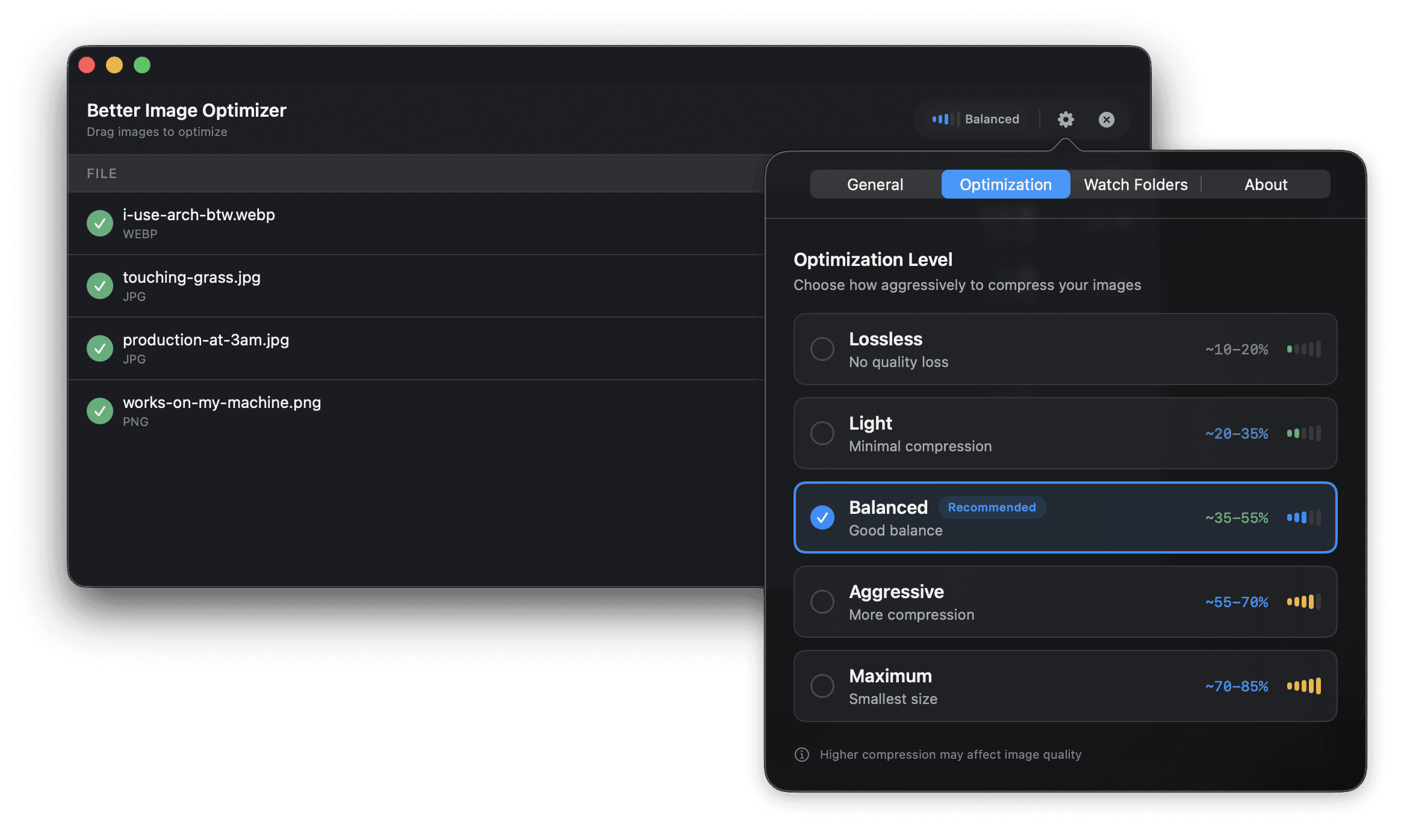
Smart Presets
Choose from optimized compression levels or fine-tune settings to your exact needs.
Privacy First
All processing happens locally on your Mac. Your images never leave your device.
Simple by design.
No learning curve. No complex settings. Just fast, efficient image optimization.
Drag & Drop
Simply drag your images into the app. Add single files, multiple selections, or entire folders.
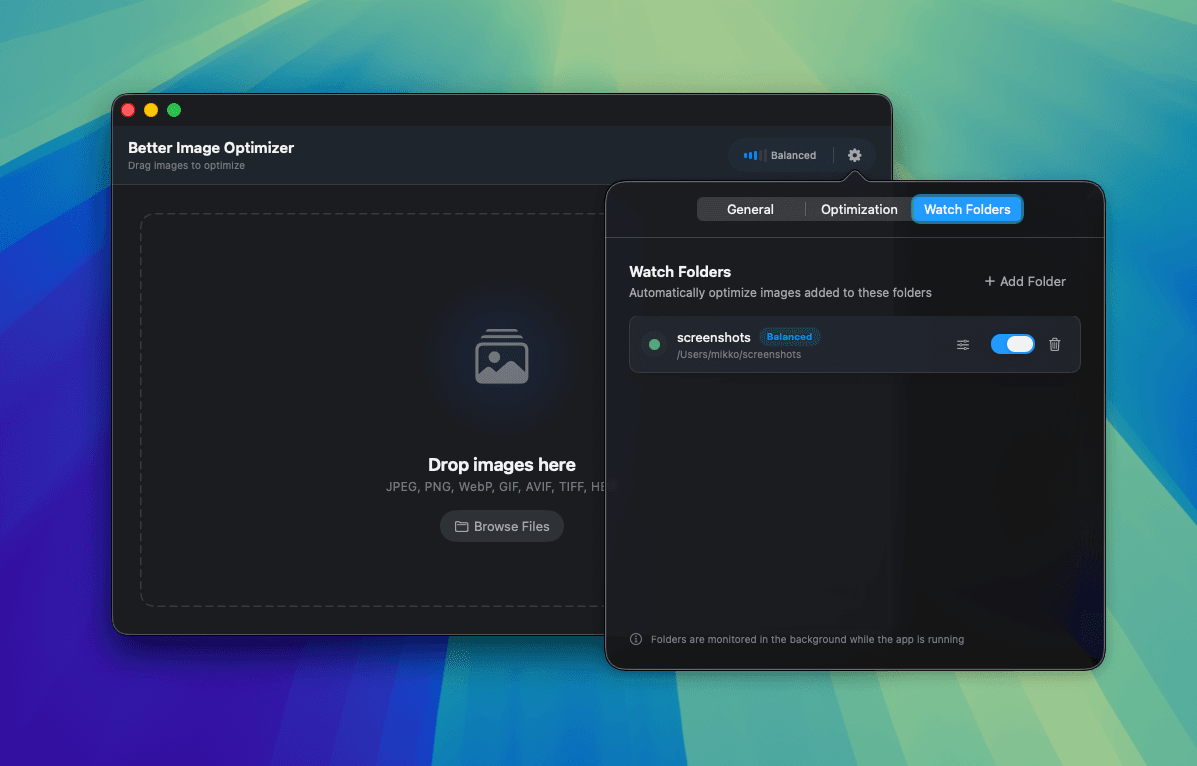
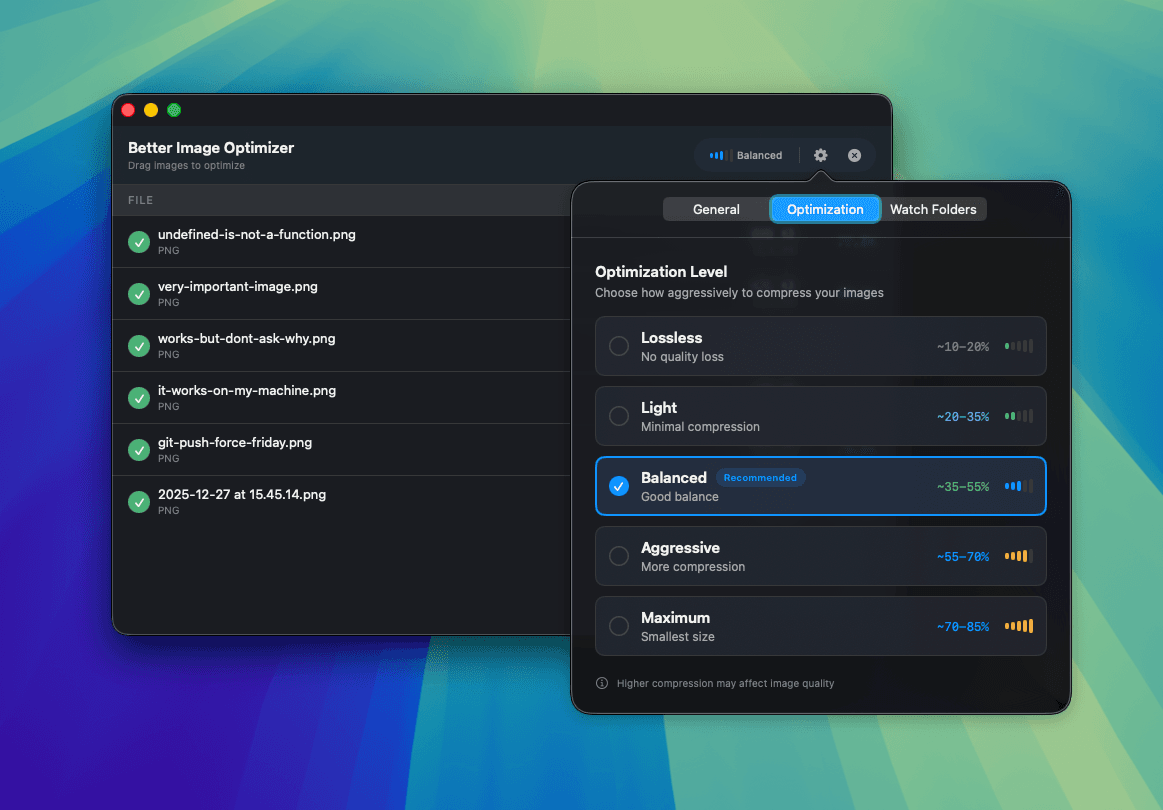
Choose Quality
Select a compression preset or customize settings. Preview the results before saving.
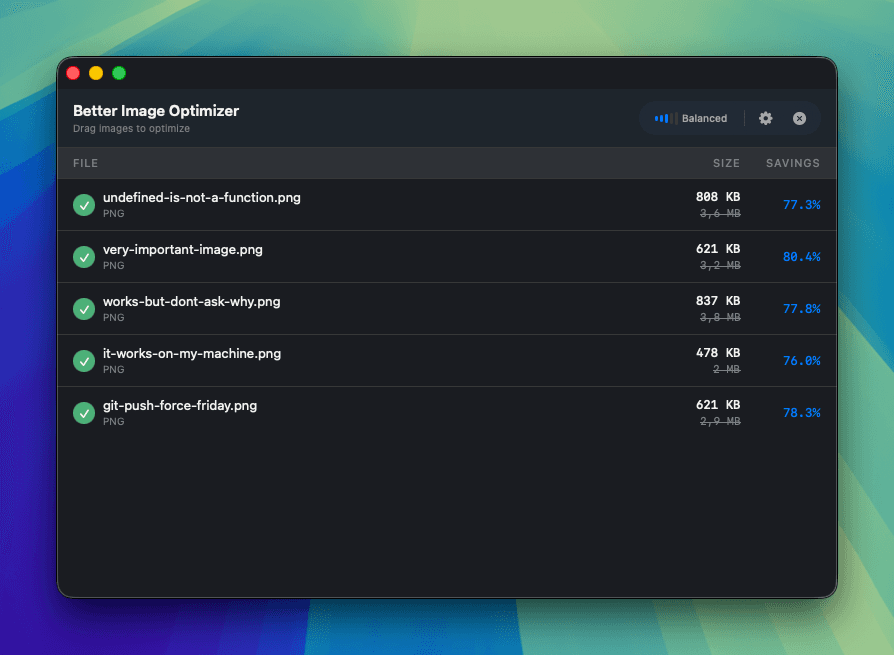
Get Optimized Files
Export to your preferred location. Original files stay untouched unless you choose to overwrite.

Ready to optimize?
Download Better Image Optimizer today and start saving space without sacrificing quality.